Can I cancel my subscription?
Yes. You can cancel from Subscriptions & Billing and keep access until the end of the current billing period.
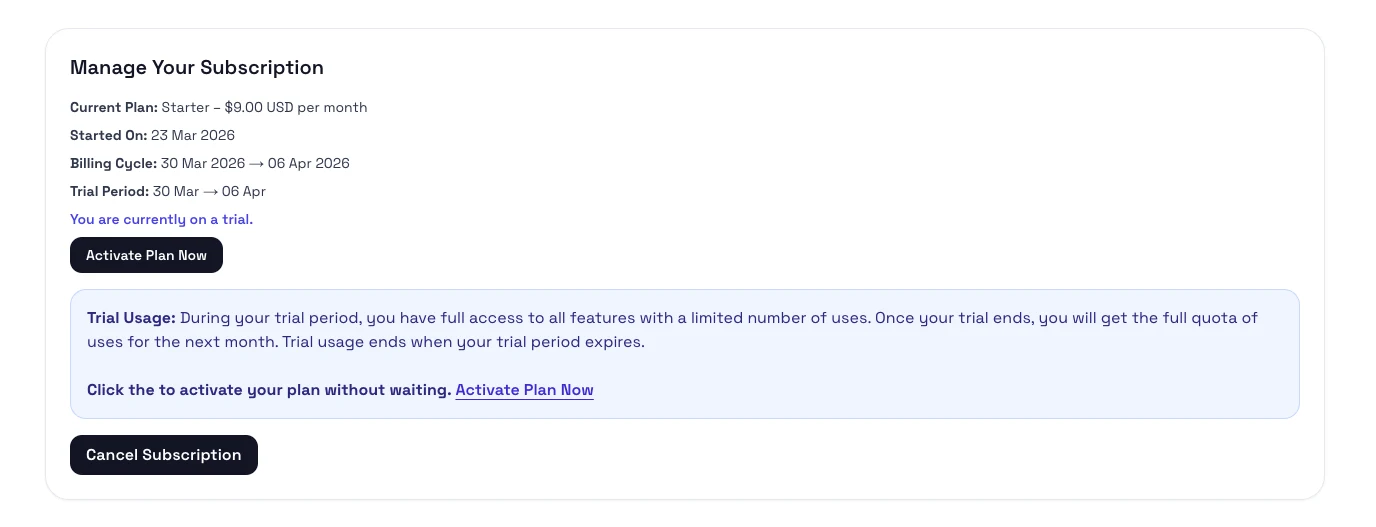
Steps
- Sign in and open the top-right account menu in the app.
- Open Subscriptions & Billing from the top-right account menu.
- Review the current plan details and choose the cancel action.
- Confirm the cancellation when prompted.
What happens next
- Your current access stays active until the end of the paid period.
- The billing area should show that the subscription is set to end on a specific date.
- If the app offers a revert or resume action, use it before the end date if you change your mind.