How do I set a password if I signed in with Google?
If you usually sign in with Google, you can still add a password so you can use either sign-in method.
Steps
- Sign in with Google as usual.
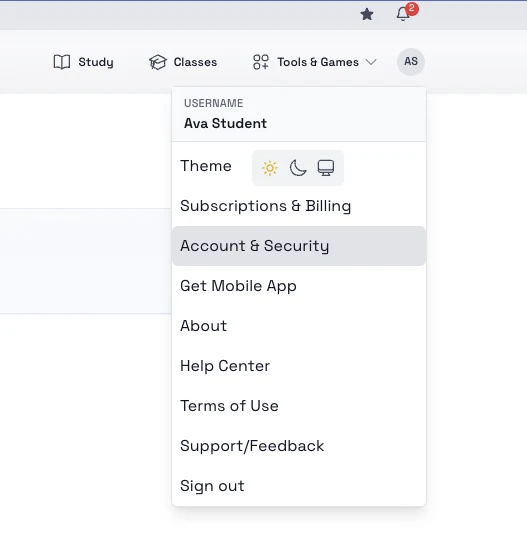
- Open the top-right account menu and select Account & Security.
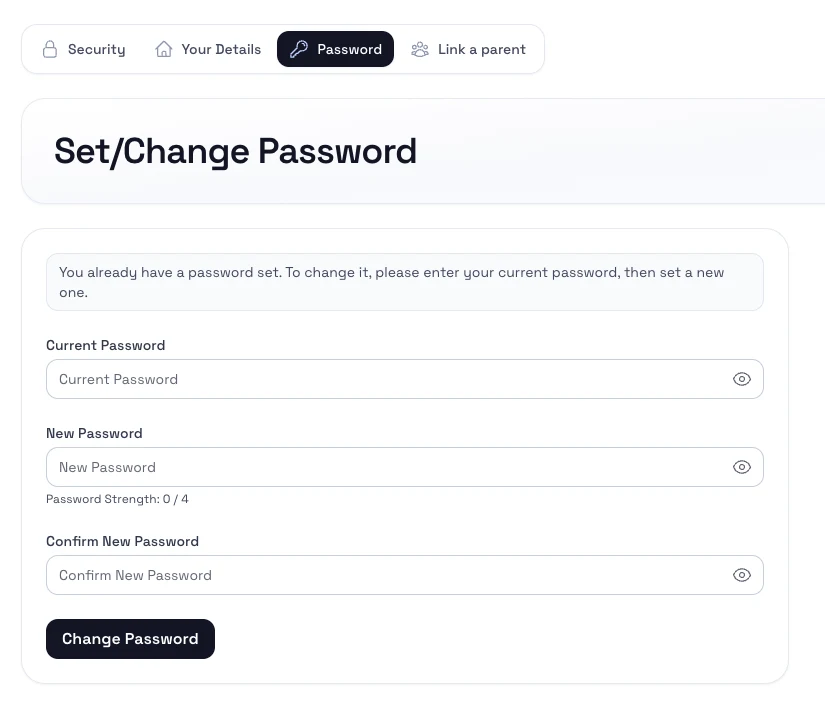
- Open the Password section.
- Enter the password you want to use for future email-and-password sign-ins.
- Save the new password.
Notes
- Adding a password does not remove Google sign-in.
- Use an email address that still belongs to the same account.