How do I view my billing history and invoices?
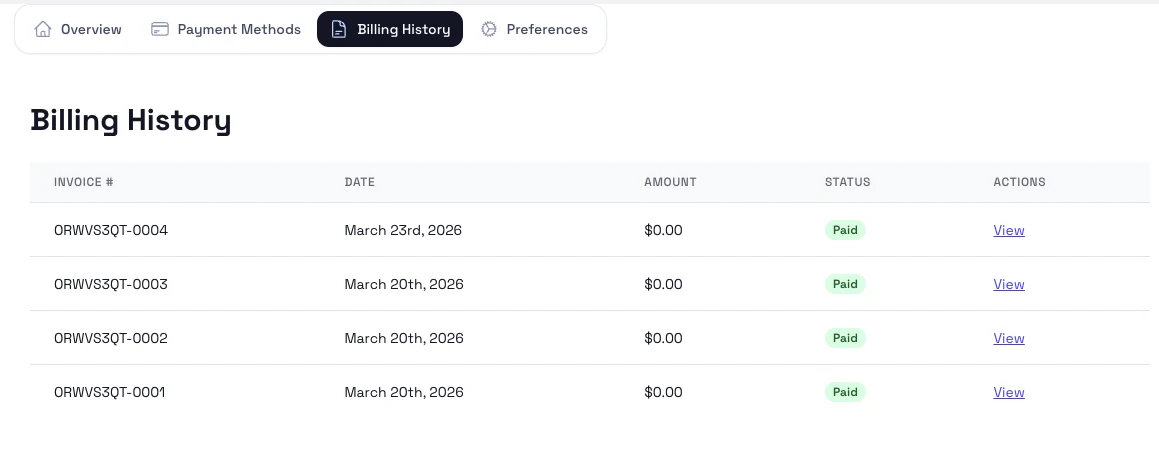
Open the billing history tab to review past invoices, receipts, and payment statuses.
Steps
- Open Subscriptions & Billing from the account menu.
- Select Billing history.
- Review the invoice list and open the document you need.
- Use any available load-more or filter controls to view older records.
Notes
- Check the payment status on each record if you are troubleshooting a failed renewal.
- Download invoices promptly if your finance or school admin team needs a copy.