How do I update my payment method?
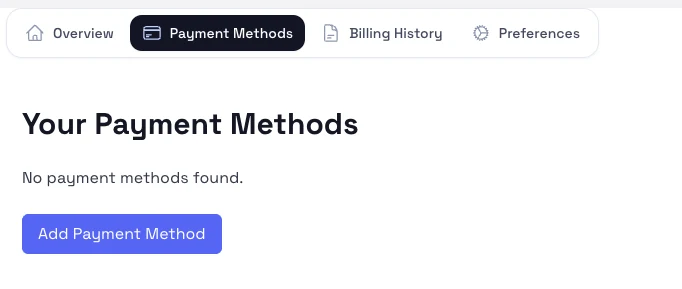
Use the payment methods tab to add a new card or replace the default one used for billing.
Steps
- Open Subscriptions & Billing from the account menu.
- Switch to Payment methods.
- Add a new card or update the saved card details.
- If more than one payment method is listed, choose the default one for future charges.
Notes
- Update the payment method before retrying a failed payment or changing plans.
- Only use cards that you are authorized to manage.