How do I manage my tax information and country?
Update billing preferences when your country, business details, or tax registration changes.
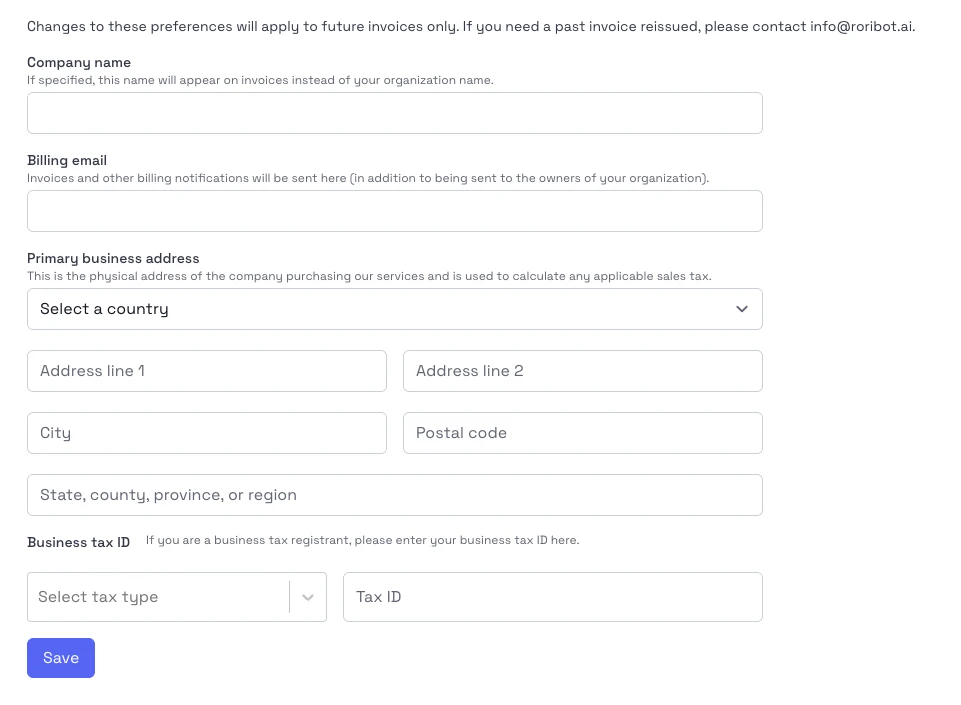
Steps
- Open Subscriptions & Billing from the account menu.
- Switch to the billing preferences or tax details area.
- Update your country or region.
- Add or update your tax ID if your organization uses one.
- Save the changes and check the next invoice preview if available.
Notes
- Use the legal business details that should appear on invoices.
- Changes may affect how tax is calculated on future invoices.