How do I change my plan (upgrade/downgrade)?
Use the billing area in your account to review available plans and switch when needed.
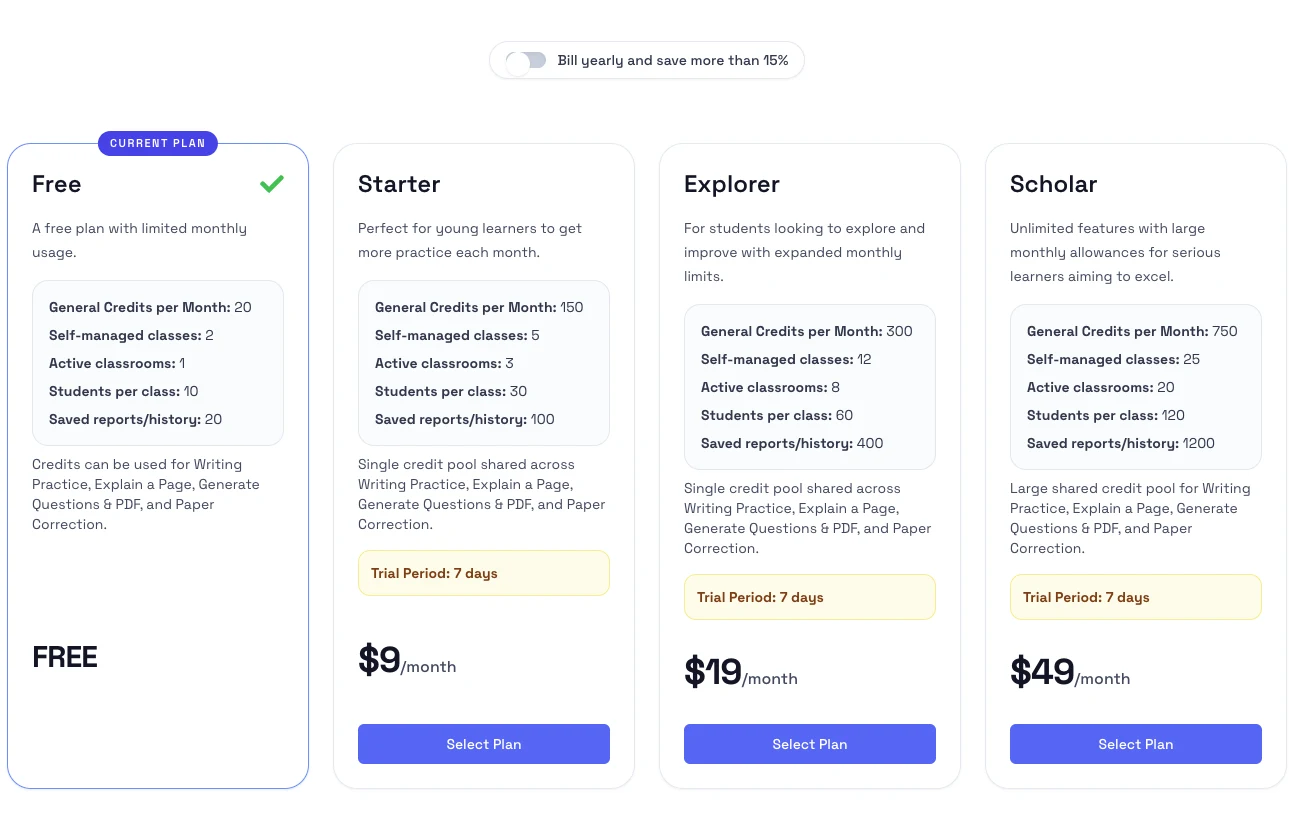
Steps
- Sign in and open Subscriptions & Billing from the top-right account menu.
- Review the available plans and billing interval options.
- Select the plan you want to move to.
- Confirm the change and review the updated billing summary.
Notes
- If you are upgrading from a free plan, the new plan starts after checkout is confirmed.
- If you are changing an active paid plan, billing timing and proration depend on the current subscription rules shown in the checkout flow.
- If you see a payment warning, update your payment method before switching plans.