Roribot
ClassroomStudent LearningParent Tools
Sign inSign up
Help home
  • FAQs
    • How do I reset my password?
    • How do I set a password if I signed in with Google?
    • How do I enable 2-step verification (MFA/TOTP)?
    • How do I update my profile details?
    • How do I delete my account?
    • How do I change my plan (upgrade/downgrade)?
    • How do I update my payment method?
    • How do I view my billing history and invoices?
    • How do I manage my tax information and country?
    • How does the trial work, and what is "Activate Plan Now"?
    • Can I cancel my subscription?
    • Billing FAQs
    • Where can I get more help?
  • Study
  • Classes
  • Teacher Classroom
  • Parent
  1. Help
  2. FAQs
  3. How does the trial work, and what is "Activate Plan Now"?
Roribot.ai — Curriculum-Aligned AI Learning for School and Home © . Powered by Empowering Students with AI Precision
mailtwitter

How does the trial work, and what is "Activate Plan Now"?

Eligible plans can start with a trial period. During that time you can explore the product before regular billing begins.
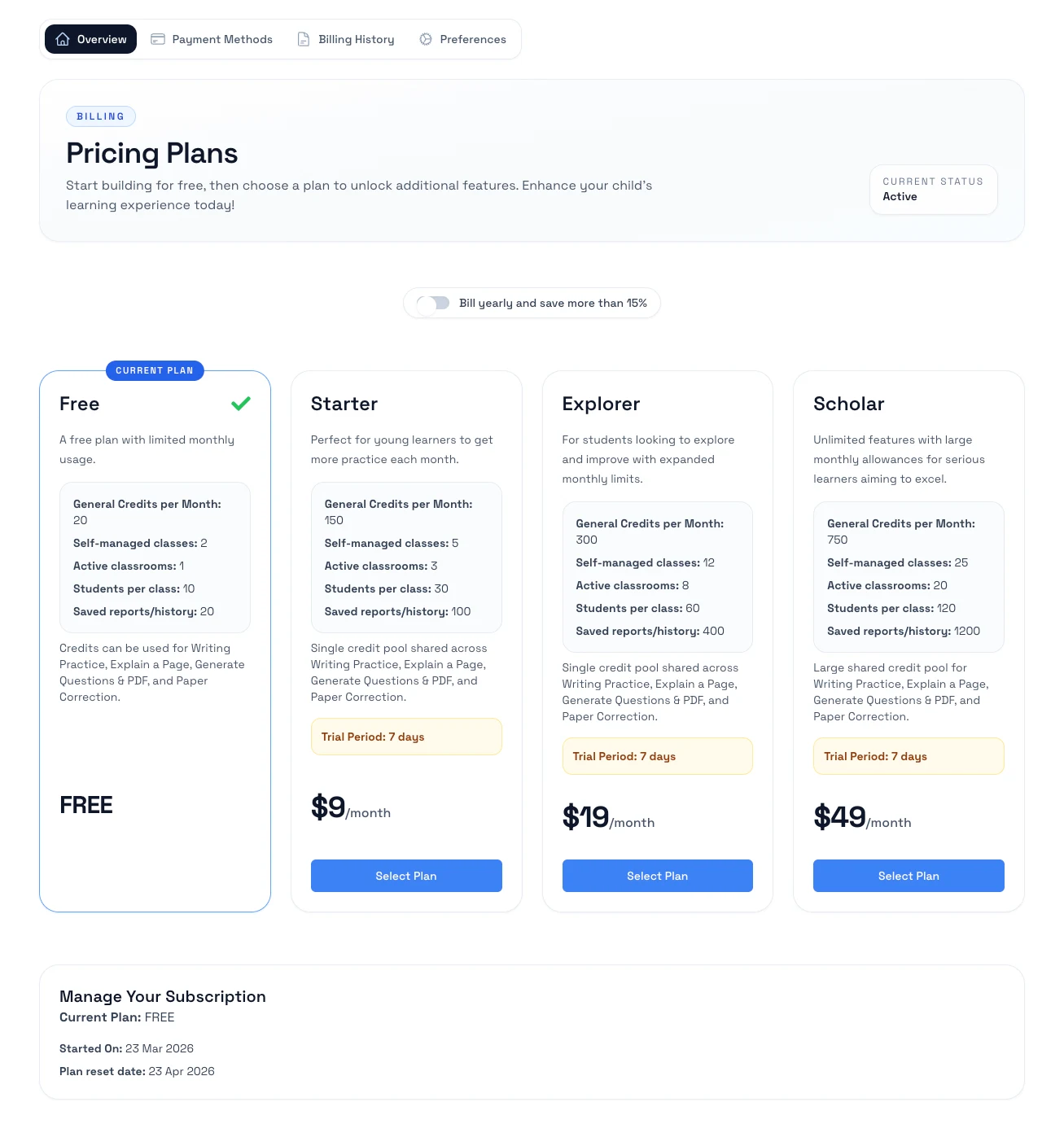
Placeholder image for the billing overview page

How it works

  1. Start a plan that includes a trial offer.
  2. Review the trial length and the date regular billing will begin.
  3. Use the app during the trial period.
  4. If you choose Activate Plan Now, the paid plan starts immediately instead of waiting for the trial to end.

Notes

  • Trial availability depends on the plan and the offer shown in your billing flow.
  • If you do nothing, billing usually starts automatically after the trial ends unless you cancel first.
  • Check the billing page for the most current trial and renewal dates on your account.

Related help

  • Change your plan
  • Cancel your subscription