Dashboard and child linking
Start here when you need to link a child account, switch between linked children, or review any self-managed study classes that have been shared with you in read-only mode.
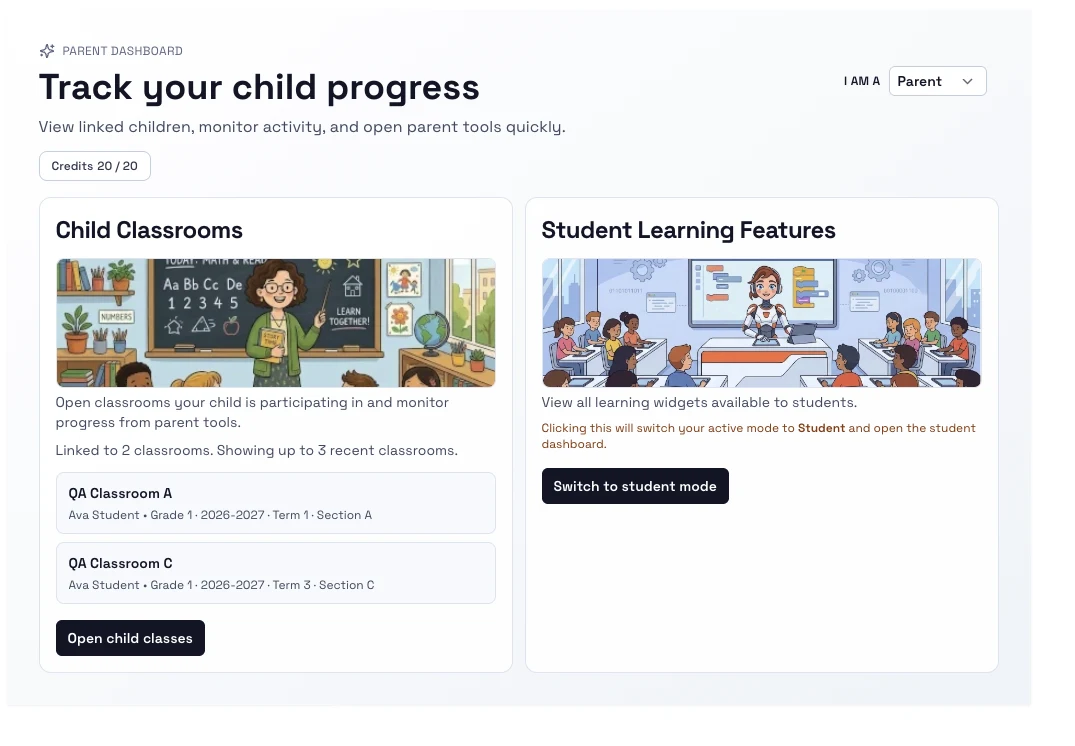
Steps
- Open Parent dashboard.
- If no child is linked yet, enter the link code from the child account or accept a teacher invitation that uses your caregiver email.
- Select the child you want to view.
- Use the dashboard cards to move into progress, assignments, reports, or preferences.
- Review the Self-managed study panel when the learner has shared a self-managed class with linked caregivers.
Notes
- Linking is centered on a child code in the current UI, but teacher invitations can also create caregiver links.
- The dashboard can show multiple linked children and lets you switch between them.
- Shared self-managed classes are read-only for parents and surface readiness, plan progress, due items, and missed study items.