Create a study
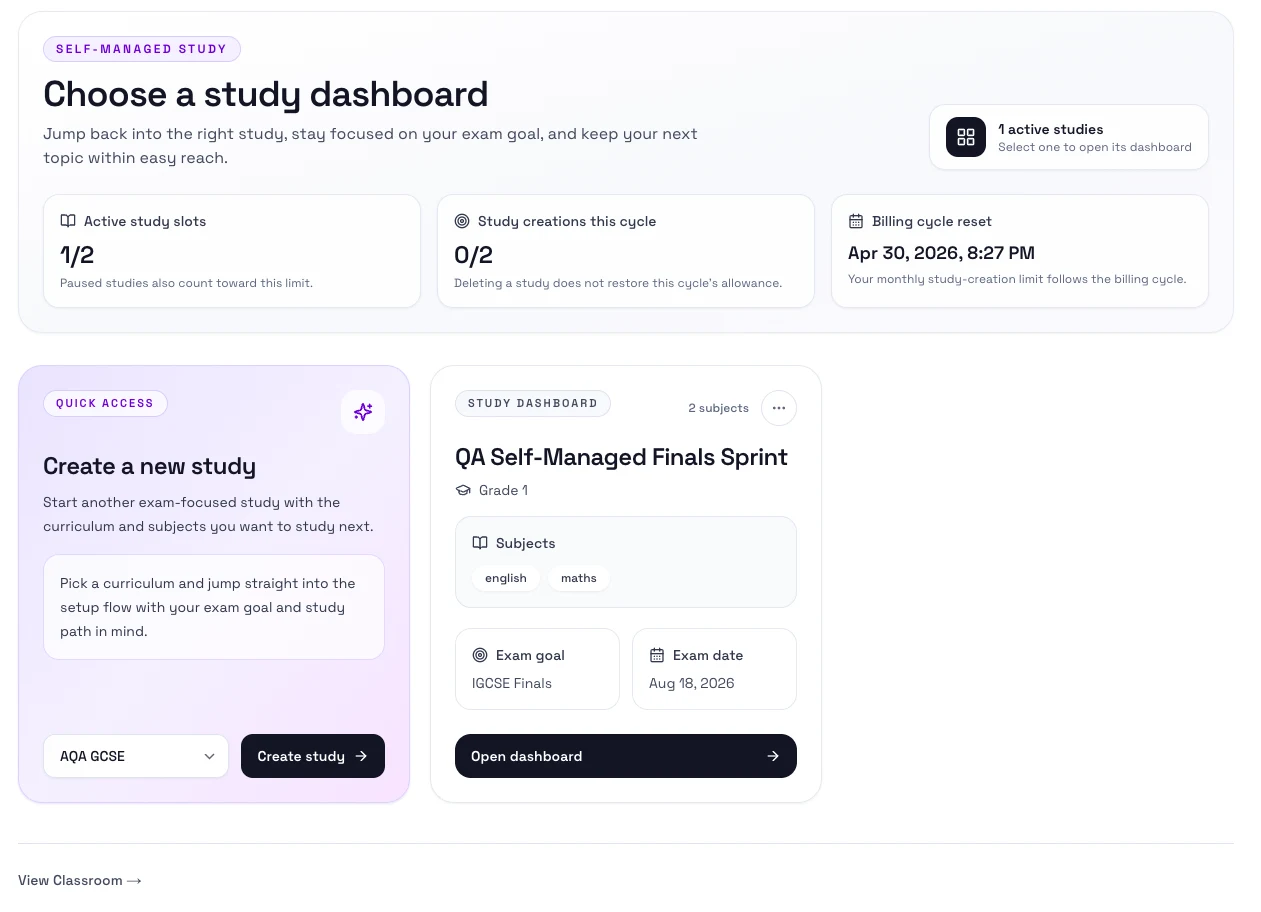
Use Study when you want to prepare on your own. You choose the curriculum, grade, subjects, exam date, and exam goal, then Rori builds your first plan.
When to use this
- You are studying on your own.
- You want a plan built around a real exam or target date.
- You want Rori to organize the next topics for you.
Steps
- Open Study.
- Select Create study.
- Pick the curriculum, grade, and subjects you want to focus on.
- Add your exam date and an optional exam goal.
- Complete the placement step so Study can prioritize the right topics first.
- Open the new study dashboard.
What happens next
- Study creates your main plan.
- Your Overview page shows the next work to do.
- You can switch to Topics, Timeline, Mocks, and Progress from the study tabs.
Next step
- Go to Use your dashboard.