AI assistant
The classroom AI assistant helps you produce targeted teaching drafts from real class data.
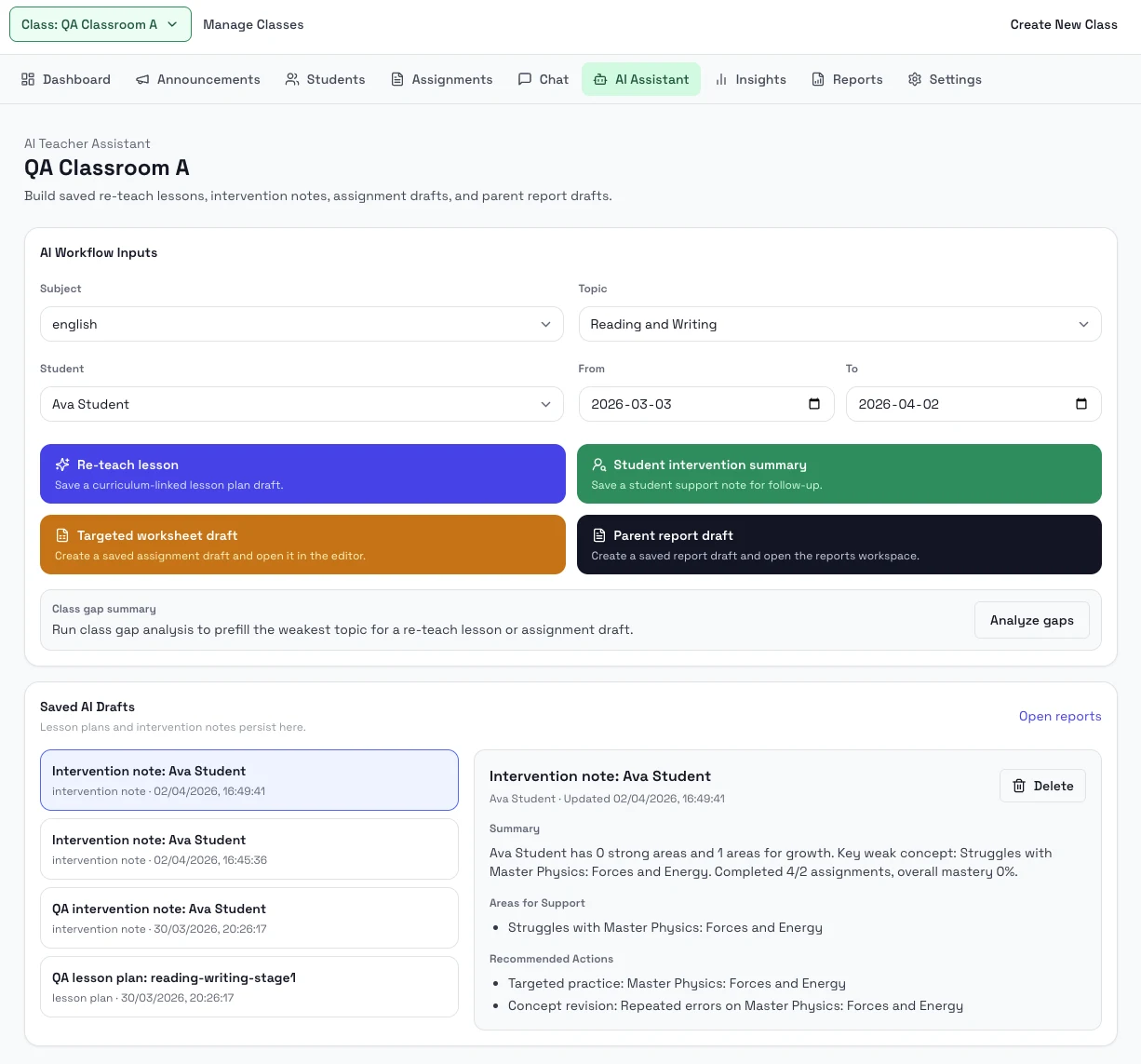
Steps
- Open the class AI Assistant page.
- Choose the subject, topic, student, and date range you want to work from.
- Generate a lesson plan, intervention note, or class weakness summary.
- Save the resulting draft and review it from the artifact list.
- If needed, turn the result into an assignment draft or a parent report draft.
Notes
- The assistant uses class context, selected students, and date ranges.
- Saved AI drafts can be reopened from the same page.