Assignments and worksheets
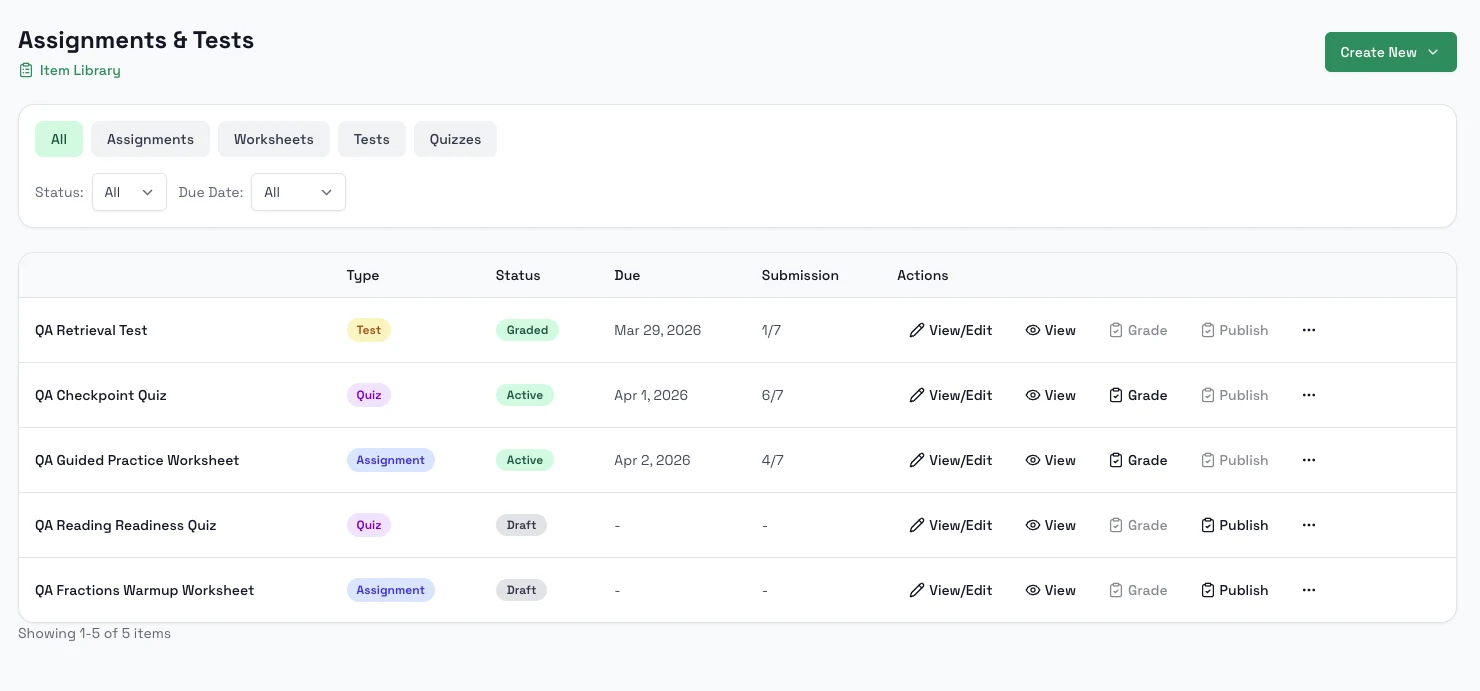
The assignments area is the main teacher surface for creating, filtering, publishing, and reusing classroom work.
Steps
- Open a class and go to Assignments & Tests.
- Create a worksheet, test, or quiz, or open the item library.
- Use templates or your own saved library items when you want to duplicate work faster.
- Edit the new assignment and publish it when ready.
- Return to the assignments list to track status.
Notes
- The worksheet shortcut currently redirects into the assignment library flow.
- Filters help you separate assignment types, status, and due-date states.
- Students receive and complete this work from Classes: Assignments.