Additions
Use Additions to generate guided practice sets and continue from saved sessions later.
How to find it in the app
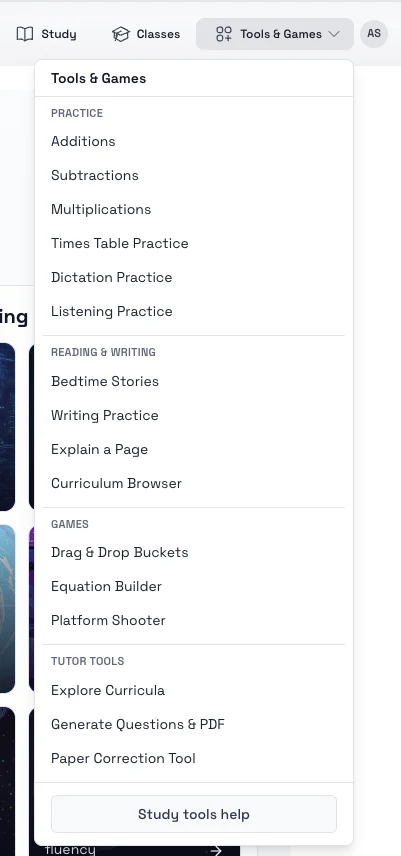
- Top header: Tools & Games -> Additions
- Student home page: open the tools area and choose Additions
Steps
- Sign in and open Addition practice.
- Choose the level or category you want to practice.
- Select how many questions you want in the set.
- Start the session and answer the prompts one by one.
- Return to the sessions area to continue later if needed.
Tips
- Start with short sets while you are learning a new addition type.
- Increase complexity gradually before moving on to larger numbers or fractions.