Dictations
Dictations supports guided spelling practice from generated words, your own text, or a photo of a worksheet.
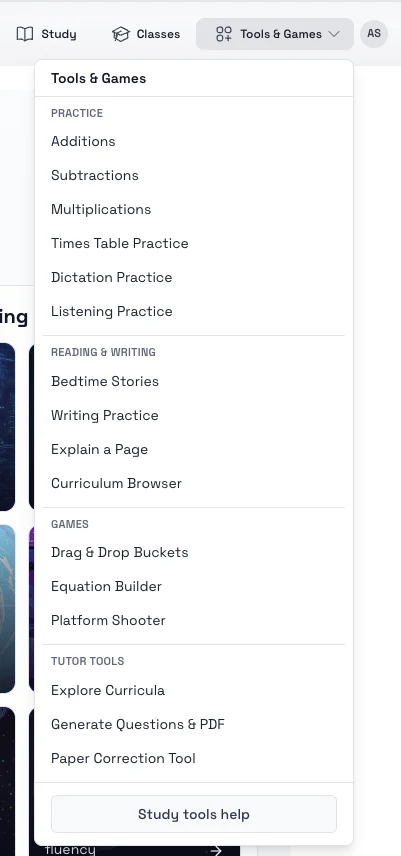
How to find it in the app
- Top header: Tools & Games -> Dictation Practice
- Student home page: open the tools area and choose Dictations
Ways to start
- Open Dictations.
- Choose the mode that matches your goal:
- Random words generated by grade and difficulty
- Text input for your own word list
- Picture input from a worksheet photo
- Finalize the word set and start the session.
- Listen to each prompt and type the answer.
- Review saved sessions later from the dictation history.
Tips
- Use text input for weekly spelling lists.
- Use picture input when you want to reuse classroom worksheets quickly.