Bedtime Stories
Bedtime Stories lets you generate a personalized story based on the child's age, character, theme, culture, and language.
How to find it in the app
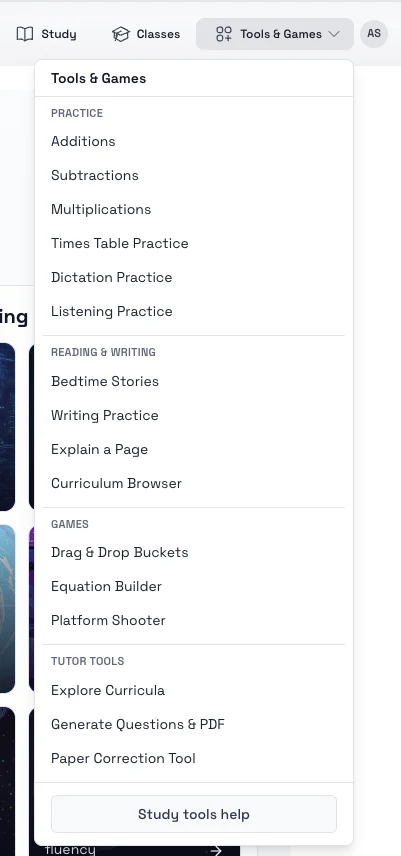
- Top header: Tools & Games -> Bedtime Stories
- Student home page: open the tools area and choose Bedtime Stories
Steps
- Open Bedtime Stories.
- Choose New or the create action to open the story form.
- Select the child's age, character, story type, culture, and language.
- Generate the story and wait for the session to finish creating.
- Return to the stories list to replay saved stories later.
Tips
- Use the bedtime theme for calmer stories at night.
- Try different cultures and story types to vary vocabulary and settings.