Subtractions
Use Subtractions to practice from basic facts through larger numbers, decimals, fractions, and negatives.
How to find it in the app
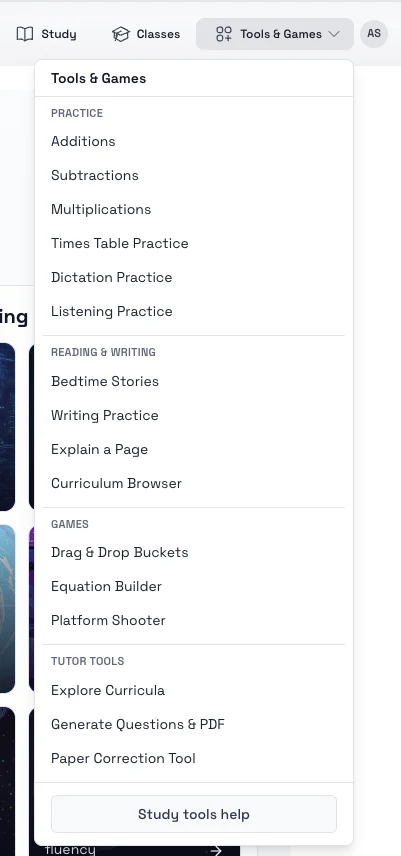
- Top header: Tools & Games -> Practice -> Subtractions
- Student home page: open the tools area and choose Subtraction practice
Steps
- Open Subtraction practice.
- Choose the subtraction level or category you want to work on.
- Select the size of the question set.
- Start the session and answer each prompt in order.
- Return to saved sessions if you want to continue later.
Tips
- Start simple, then move toward decimals, fractions, and negative numbers.
- Review weaker categories more often instead of always generating mixed practice.