Times table practice
Times table practice is designed for quick multiplication drills and repeat sessions that build recall.
How to find it in the app
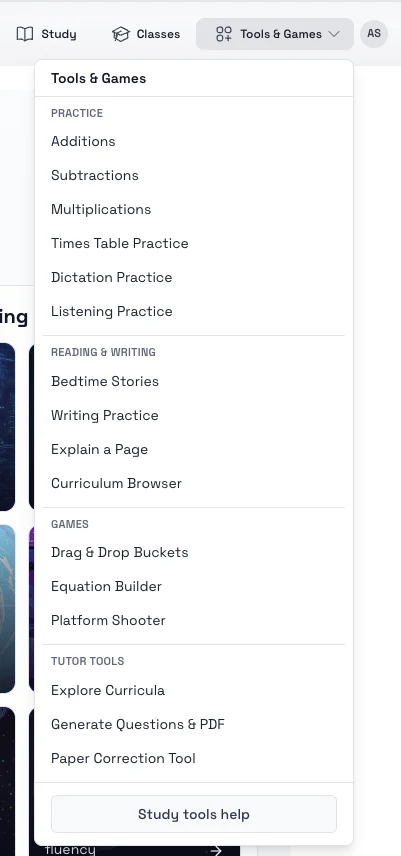
- Top header: Tools & Games -> Practice -> Times Table Practice
- Student home page: open the tools area and choose Times table practice
Steps
- Open Times table practice.
- Choose the range or table you want to practice.
- Pick how many questions you want in the set.
- Start the session and answer the questions one by one.
- Review or resume older sessions from the saved session list.
Tips
- Start with shorter sets and increase the range only when recall becomes reliable.
- Use repeat practice on the same table before mixing several tables together.